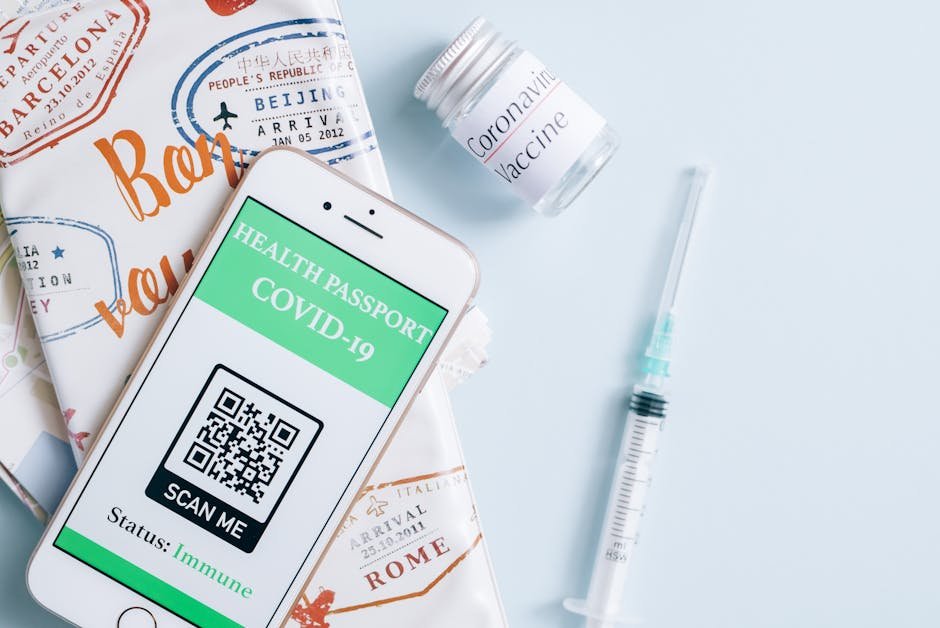
A QR code on a printed menu lets guests pull up your digital menu, ordering page, or specials board directly on their phone — useful for keeping a physical menu current without reprinting every time a price or item changes. For restaurants operating on thin margins, this simple addition can reduce printing costs by 30–40% annually while improving the customer experience and giving you real-time data on menu engagement.
What to link the code to
Your QR code is only effective if it points somewhere valuable. Consider these options based on your business model:
- A dedicated digital menu page, ideally mobile-optimized since that’s how it’ll be viewed. Most guests will scan from a phone, so your landing page must load in under 3 seconds and display clearly on a 5-inch screen. If your current website isn’t mobile-responsive, this defeats the purpose.
- An online ordering page, if you take orders directly rather than just displaying the menu. Restaurants using QR codes to drive online orders see a 15–25% increase in digital orders within the first month, according to 2023 data from Toast POS.
- A specials page you update daily or weekly, separate from your core printed menu. This is particularly powerful for reducing food waste — you can highlight dishes you need to move without reprinting thousands of menus.
- A reservation system link if you operate on a booking model, or a loyalty program signup page to build your customer database for email marketing.
Choose one primary destination per QR code. If you place multiple codes around the restaurant, each can link to something different (e.g., one on the table links to the full menu, one near the register links to feedback/reviews, one by the entrance links to reservations).
Placement that actually gets scanned
Where you place the QR code matters more than most restaurants realize. Eye-tracking studies show that seated guests look at the center of the table or menu within the first 10 seconds — so placement there yields scan rates 3–4 times higher than placing it only at the entrance.
- Table tents or cards: Place a 3×3 inch QR code on a small standing card at each table. This works best for full-service restaurants. Scan rates typically range from 8–15% of seated diners.
- Top corner of the printed menu: A 2×2 inch code in the upper right or left corner catches the eye immediately. Restaurants report 5–10% scan rates with this placement.
- Near the register: Use a larger code (4×4 inches) so waiting customers can scan it while in line. This drives orders for carryout or future visits.
- Window or storefront decal: A 6×6 inch code on an exterior window can be scanned from the street. This works well for promoting specials or online ordering to passersby.
Avoid placing codes only at the entrance — most guests won’t scan before sitting down, and by then they’ve already picked up the printed menu.
Sizing it correctly for print
QR code readability depends on viewing distance. A code that’s too small won’t scan; one that’s oversized wastes space. Follow these guidelines:
- Table tent or menu corner (12–18 inches away): Minimum 2×2 cm (about 0.8×0.8 inches). A 3×3 inch code is ideal and scans reliably from any angle.
- Poster or signage (3–5 feet away): Use at least 4×4 inches.
- Window decal or outdoor signage (10+ feet away): 6×6 inches or larger.
As a rule of thumb, the code should be scannable from three times the distance at which you want people to scan it. Test your printed codes with multiple phones before full rollout — older phones may have slower cameras and require slightly larger codes.
How to generate one
Creating a QR code is free and takes 2 minutes. Use a dedicated QR code generator like QR Code Generator, UQR.me, or QR Code Monkey. Enter your menu URL, customize the design (you can add your logo or restaurant colors), and download the file at print resolution (at least 300 DPI) so it doesn’t pixelate when enlarged.
Save the file as a vector format (SVG or PDF) rather than JPG, which allows infinite scaling without quality loss. Most print shops will accept vector files and can resize them to your exact specifications.
Pro tip: Use a URL shortener with tracking built in (like Bitly or TinyURL) to monitor how many people scan your code. This data helps you measure ROI and optimize menu changes based on what customers actually view.