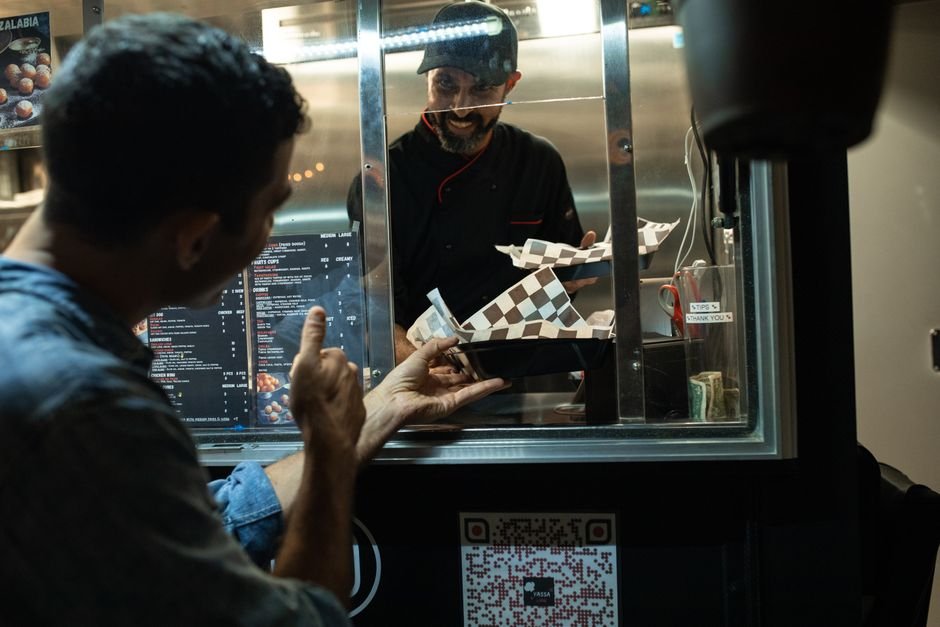
Your servers are running between tables, customers are squinting at laminated menus under dim lighting, and your kitchen has no idea which specials are actually selling. Meanwhile, your competitors across town just launched digital menus that let guests order straight from their phones—no staff needed.
The friction between ordering and payment is costing you money. Not because your food isn’t good. But because the process of getting from “I’m hungry” to “check, please” is slower than it should be.
TL;DR
- QR codes on tables and menus reduce order time by an average of 45% while collecting valuable customer data you can use for loyalty programs and upsells
- Nearly 9 in 10 Americans now scan QR codes regularly—your customers are already trained to use them
- You can create professional QR codes linked to your menu, loyalty program, or payment system in under 5 minutes for free, with no technical skills required
The Restaurant QR Code Playbook: 4 Proven Strategies
1. Replace Your Paper Menu With a Scannable Digital Experience
Paper menus are static, dirty, and impossible to update when you change prices or run out of an ingredient. A QR code printed on every table—or displayed on a menu board—points customers to your live menu on their phone, no app download required.
This solves three problems at once: (1) customers see your current offerings in real-time, (2) you can upsell seasonal items or high-margin dishes prominently, and (3) you collect data about which items get viewed most often.
According to the National Restaurant Association, half of restaurant operators are now investing in contactless ordering and payment technology. You’re not adopting bleeding-edge tech—you’re adopting what your competitors are already doing.
2. Embed Your Loyalty Program Into the QR Code
Most customers order, eat, and leave without you ever capturing their contact information. A QR code at the bottom of the check that links to a simple signup form—offering a 10% discount on their next visit—turns one-time diners into repeat customers.
Once they’re in your database, you can email them about specials, collect feedback, and recognize birthdays. You can even create a phone number opt-in link, so you can text regulars about limited-time offers.
The math is simple: if 20% of your weekly customers sign up for a loyalty program, and 30% of those redeem a discount coupon, you’ve just created a predictable revenue stream from repeat business.
3. Link Your QR Code to Google Reviews and Testimonials
When customers are happy—especially at the moment they’re finishing their meal—a single tap should take them directly to your Google Business profile where they can leave a 5-star review. Don’t ask them to search for you. Don’t hand them a card. Just one QR code.
Nearly two-thirds of consumers have scanned a QR code on a product or display while in-store. Your customers are ready to engage—all you’re doing is making it frictionless.
More reviews = higher local search rankings = more organic foot traffic. This is your lowest-cost customer acquisition channel.
4. Use QR Codes for Event-Specific Promotions and Seasonal Menus
Planning a wine pairing dinner next month? Print QR codes on your table tents that link directly to ticket sales. Launching a seasonal menu? Display a QR code on your website and social media that shows off high-resolution photos and full descriptions before customers arrive. This strategy works just as well for special events and promotions where you need quick customer sign-ups.
This reduces the friction between “I saw this online” and “I’m seated at your table.” You’re meeting customers where they are and guiding them to the next step.
Set It Up in 5 Minutes—Free
You don’t need a developer, a designer, or a subscription. Here’s exactly how to launch your first restaurant QR code today:
- Step 1: Choose Your Target — Decide what you want the QR code to link to: your digital menu (Google Drive or Canva link), your loyalty signup form (Google Form or Typeform), your Google Reviews page, or your online reservation system. Write down the full URL.
- Step 2: Generate Your Code — Go to BizQRGen.com and create your free QR code by pasting your URL into the generator. Choose a professional color scheme that matches your brand (most restaurants use black-on-white or brand colors).
- Step 3: Download and Test — Download the QR code as a PNG or PDF file, then scan it with your phone from 3 different angles and distances to confirm it works reliably. Make sure the landing page loads fast on mobile.
- Step 4: Print and Deploy — Host your menu or signup page on a reliable platform if needed (many offer affordable hosting starting around $3/month). Print your QR codes on adhesive labels, menu boards, table tents, and your website header. Refresh them quarterly to test new promotions.
Real-World Case Study: How One Restaurant Increased Order Value by 18%
Marcus Wellington, owner of Ember & Oak—a 45-seat farm-to-table restaurant in Portland, Oregon—was frustrated. His servers spent 30% of their shift explaining specials that customers never ordered. His margin on appetizers was high, but nobody seemed to know about them.
He added a QR code to every table linking to his digital menu on a simple Canva page. The menu included professional photos of his top 10 highest-margin items, with descriptions written to sell (not just “Roasted Vegetables,” but “Seasonal Root Vegetables in Brown Butter and Sage, $16”).
Within 8 weeks, his average check size increased from $38 to $45—an 18% lift. More importantly, his appetizer orders jumped 34%, and 156 customers signed up for his loyalty program, giving him direct access to repeat business.
Marcus spent $0 on the QR code generator and about $12 printing labels. His incremental revenue from the strategy: $4,200 in the first two months.
When NOT to Use QR Codes (Common Mistakes to Avoid)
Don’t use QR codes on takeout menus or delivery apps. Customers ordering via DoorDash or Uber Eats are already in a digital experience—a QR code is redundant friction.
Don’t link to a slow or mobile-unfriendly page. If your digital menu takes 5+ seconds to load or requires pinching and zooming to read, customers will abandon it. Test on mobile before you print anything.
Don’t create too many different QR codes. Stick to 2–3 core codes: one for your menu, one for loyalty signups, one for reviews. More than that confuses your brand message.
Don’t forget to update your digital menu regularly. If customers scan your QR code and find outdated pricing or “sold out” items, you lose trust. Refresh your digital menu weekly.
The Bottom Line: Your Customers Are Already Scanning
QR code adoption has accelerated dramatically over the past few years, with billions of scans happening globally. This isn’t a trend that might fizzle. This is consumer behavior that’s already baked in.
Your restaurant doesn’t need to be fancy or high-tech to win. You just need to remove friction from the moment customers walk through your door until they leave a positive review online.
A single QR code on your table can handle all of that. And you can build it for free in the next 5 minutes.
Ready to streamline your restaurant’s ordering process?
Create your first free restaurant QR code at BizQRGen.com today. No credit card. No signup. No limits. Just instant, professional QR codes that your customers are already trained to scan.
About the Author
This article was written by the content team at BizQRGen.com, a premium free QR code generator trusted by small business owners, restaurants, and marketers. We specialize in helping businesses remove friction from customer interactions through simple, powerful technology. Learn more at BizQRGen.com.
Generate Your QR Code Free
Restaurant menus, business cards, events, retail — instant QR codes, no signup needed.