The QR Code Strategy Every E-Commerce Business Owner Needs (But Most Are Missing)
Your customers are abandoning your checkout process. Your email open rates are stagnant. Your social media followers aren’t converting into buyers. And here’s the painful truth: you’re relying on the same old marketing channels everyone else is using.
What if there was a frictionless bridge between your offline and online worlds? A single, scannable solution that turns curious browsers into paying customers in seconds?
That’s the untapped power of strategic QR code deployment—and most business owners don’t realize how badly they’re leaving revenue on the table by ignoring it.
TL;DR: What You’ll Learn
- How to reduce checkout friction by embedding QR codes in your physical and digital touchpoints
- Three high-ROI placements that capture customers at the exact moment they’re ready to buy
- A 5-minute setup process that requires zero technical skills or coding knowledge
Strategy 1: Turn Your Packaging Into a Sales Machine
Your product packaging is real estate you already own. Most businesses use it to show logos and compliance information. You should use it to drive repeat purchases and customer loyalty.
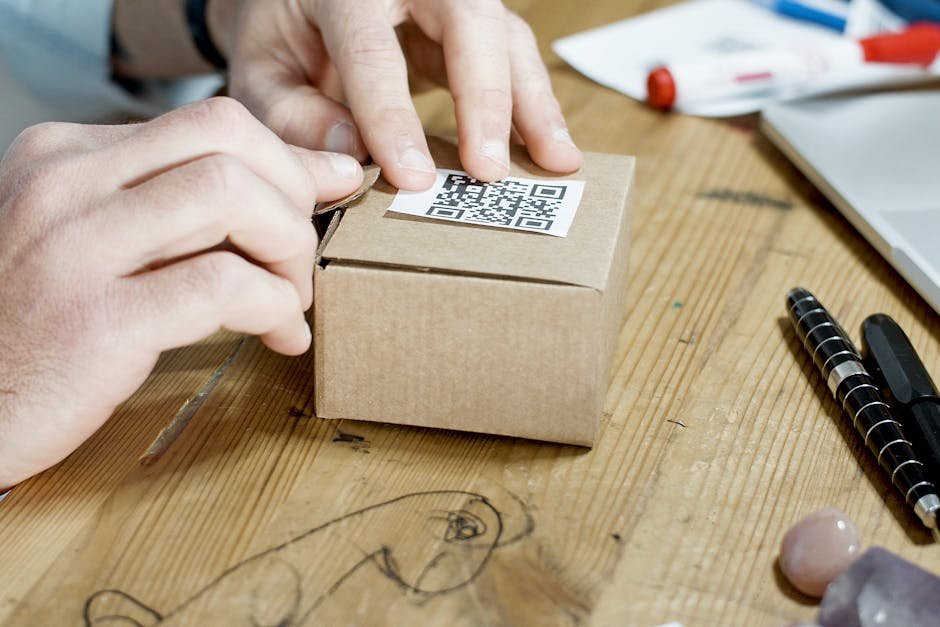
Print a QR code on every box, bag, or label that ships to a customer. Link it directly to a post-purchase experience: exclusive discount codes, loyalty program signup, product reviews, or a satisfaction survey.
Why this works: When customers unbox your product, they’re emotionally invested and thinking positively about your brand. A strategically placed QR code captures them at peak engagement. You’re not interrupting their day—you’re enhancing their unboxing experience.
Pro tip: Use a unique QR code on each product variant or batch. This lets you track which products drive the highest engagement and repeat purchase rates. You’ll know exactly which SKUs are creating brand loyalists.
Strategy 2: Eliminate the Link-Sharing Bottleneck in Sales
Your sales team is spending hours sending links via email, text, and chat. Prospects are copying, pasting, and half the time losing the URL entirely.
Create one master QR code for your product demo, pricing sheet, or case study PDF. Print it on business cards, include it in your email signature, and add it to your sales presentation slides. One scan, instant access—no typos, no friction.
The real benefit: You can change where that QR code points without reprinting anything. Launch a new landing page next month? Update the QR code backend. No waste, no new business cards, no outdated materials.
Sales teams that adopt QR codes report faster deal progression because prospects spend less time hunting for resources and more time evaluating your offer.
Strategy 3: Bridge Offline Events to Online Conversions
You’re spending hundreds on trade shows, networking events, and local meetups. Attendees take your business card, promise to “check you out later,” and then—radio silence.
Replace that generic follow-up experience with a QR code that leads to a personalized landing page. Make it event-specific: “Thanks for meeting us at XYZ Conference—here’s an exclusive 15% discount valid for 7 days.”
Track scans in real-time. Know within hours which conversations turned into genuine interest. Follow up with the warm leads first instead of blasting your entire attendee list.
Bottom line: QR codes at events improve lead quality by filtering out disinterested prospects and identifying genuinely interested ones immediately.
Strategy 4: Reclaim Lost Traffic From Social Media
Instagram, TikTok, and LinkedIn restrict link clicks. Users have to leave the app, copy paste, or search manually. You’re losing significant potential traffic just to friction.
A QR code bypasses all of that. Post a video, image, or carousel on social media with a prominent QR code overlaid. Users scan directly within the app and land on your conversion page instantly.
The added bonus: QR codes look premium and intentional. They signal that you’re a business that understands modern customer behavior, not a desperate link-sharer.
Set It Up in 5 Minutes — Free
Step 1: Visit BizQRGen
Go to BizQRGen.com to create your free QR code. No signup required. No credit card. Start immediately.
Step 2: Choose Your QR Code Type
Select what you want your QR code to link to: a URL, a vCard (digital business card), WiFi credentials, or plain text. For most business owners, you’ll start with URL.
Step 3: Enter Your Destination Link
Paste the URL where you want customers to land. This could be your checkout page, a discount landing page, a PDF, a video, or a booking calendar. BizQRGen handles the encoding instantly.
Step 4: Customize and Download
Choose your colors, add your logo, and adjust the design to match your brand. Download the high-resolution file (PNG or SVG) and use it anywhere: print materials, emails, social posts, packaging, or digital ads.
That’s it. You’re now ready to deploy a professional QR code strategy without learning a single line of code.
Real Results From a Real Business
The Business: A sustainable apparel brand selling through Shopify and Instagram. Monthly revenue: $28,000. Problem: Many Instagram followers never clicked through to the store.
The Solution: They created a branded QR code (navy blue with their logo) and placed it prominently in their Instagram Stories and Reels. They also added the same QR code to all new product packaging.
The Results (90 days):
- 3,200 QR code scans from social media
- 18% of those scans converted to purchases ($12,400 in new revenue)
- Repeat purchase rate increased from 12% to 31% (customers scanning QR codes on packaging bought again)
- Total revenue increase: $38,200 monthly (36% growth in 90 days)
They spent approximately $80 on design and printing. ROI: 47,500%.
When NOT to Use QR Codes (Common Mistakes)
Don’t: Place QR codes on digital ads where users are already online. They’ll click the link directly—scanning is pointless.
Don’t: Create QR codes that link to generic homepages. Link to specific, relevant landing pages. A customer scanned your code—don’t waste that momentum with a “browse our site” experience.
Don’t: Design QR codes that are too small to scan. If it’s smaller than 1” x 1” on printed materials, make it larger. A code that can’t be scanned defeats the entire purpose.
Don’t: Ignore your analytics. Track which QR codes drive conversions and which ones don’t. Double down on what works and retire what doesn’t.
Don’t: Assume your website is mobile-friendly because you tested it once. Most QR code scans happen on mobile devices. If your landing page loads slowly or looks terrible on phone screens, you’re wasting the opportunity.

Oliver K.G
Oliver is the founder of BizQRGen.com and a digital marketing strategist focused on helping small businesses bridge print and digital marketing with QR code technology. He covers practical growth tactics for restaurants, retailers, real estate agents, and service businesses.
Related Articles
Ready to try it yourself? Use the free QR code generator at BizQRGen — no signup required.